
Playova TV
Watch the same subscription on your television.
Browse with the directional buttons, select with OK and return with Back. The TV interface uses large controls and a visible focus indicator.
- Supported platforms
- LG webOS · Samsung Tizen · Android TV and Google TV
- How to get it
- On Amazon Appstore for Fire TV; Android TV as an early-access download. LG, Samsung and Apple TV are not released yet.
Features on this platform
- Navigation with directional buttons, OK and Back
- Programme guide and catch-up where your provider offers them
- Live rewind where the provider archive or playback window allows it
- Favourite channels and hidden categories, kept per profile
- Source setup from your phone or computer
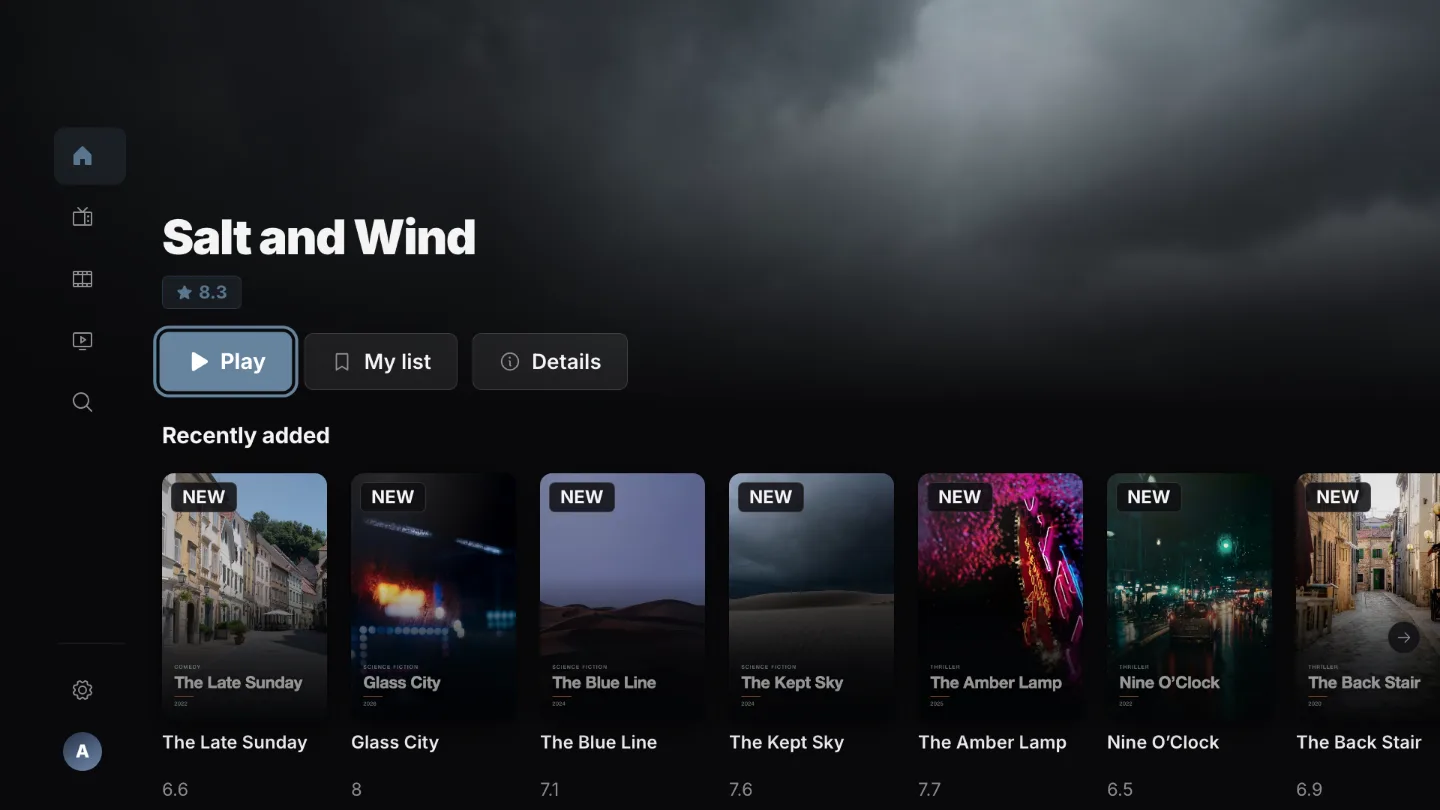
Continue with your remote.
Open an unfinished film or episode from the home screen.
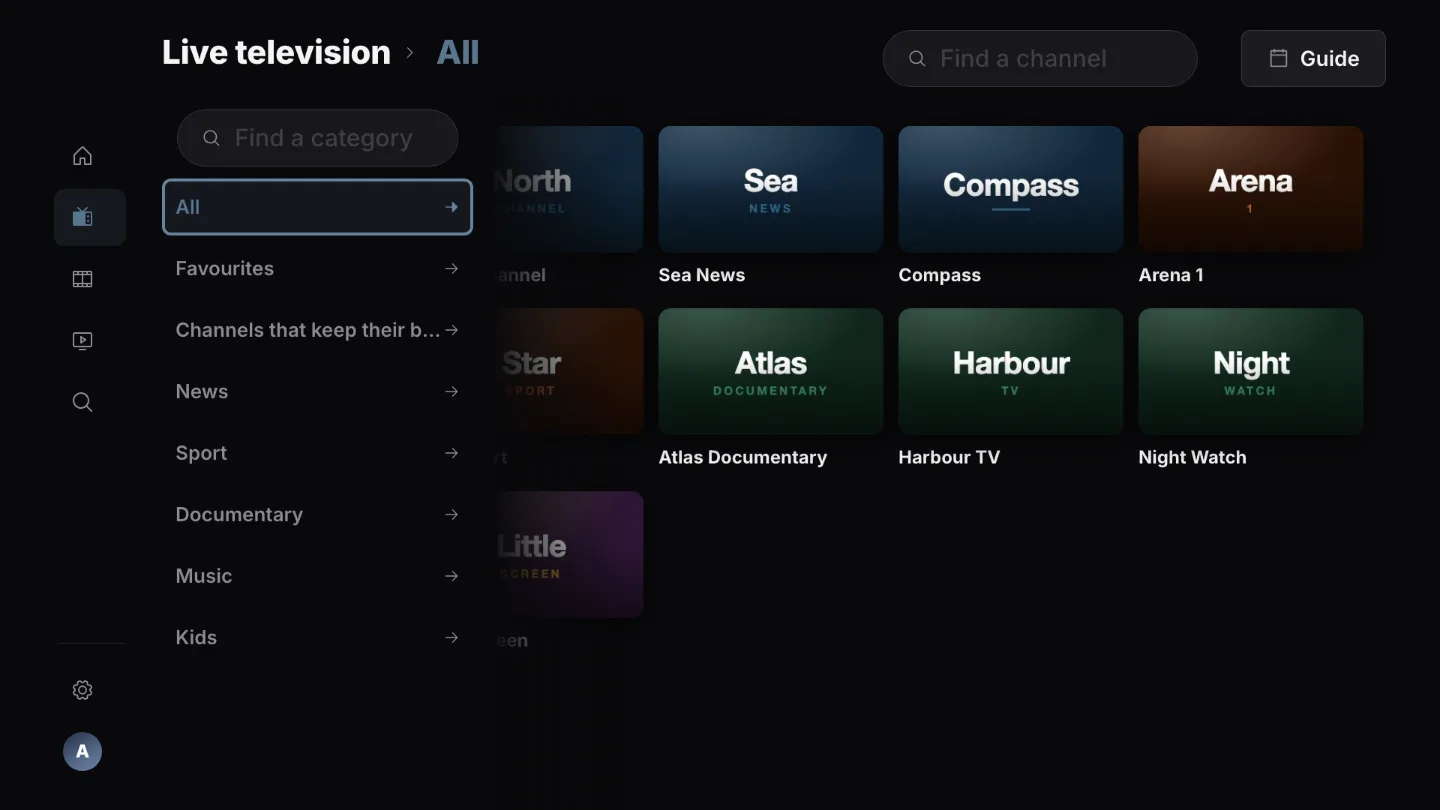
Flip through channels by number.
Browse numbered channels, prioritise favourites and filter channels without guide data.
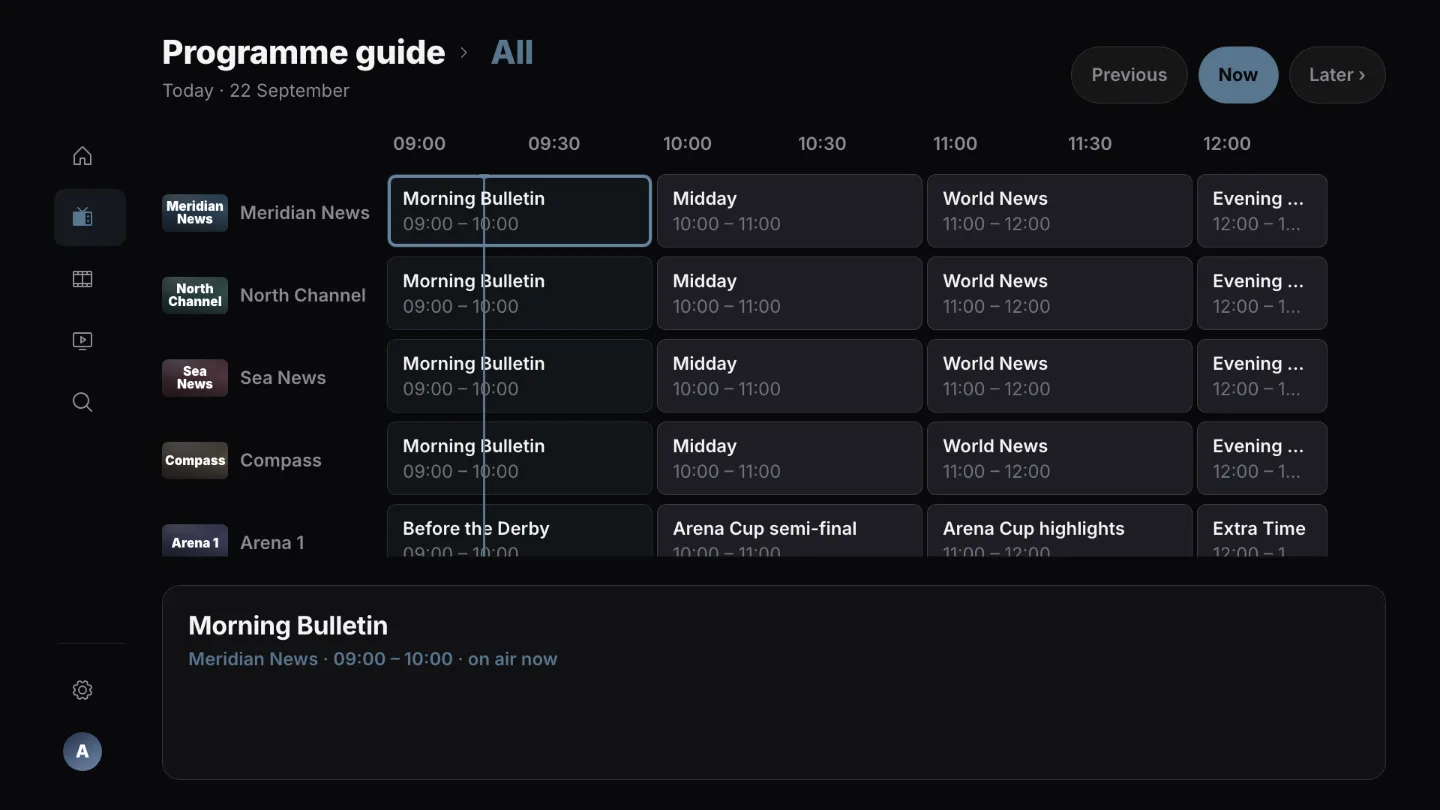
Read the guide an hour at a time.
Browse available programme listings and open past programmes when your provider supports catch-up.
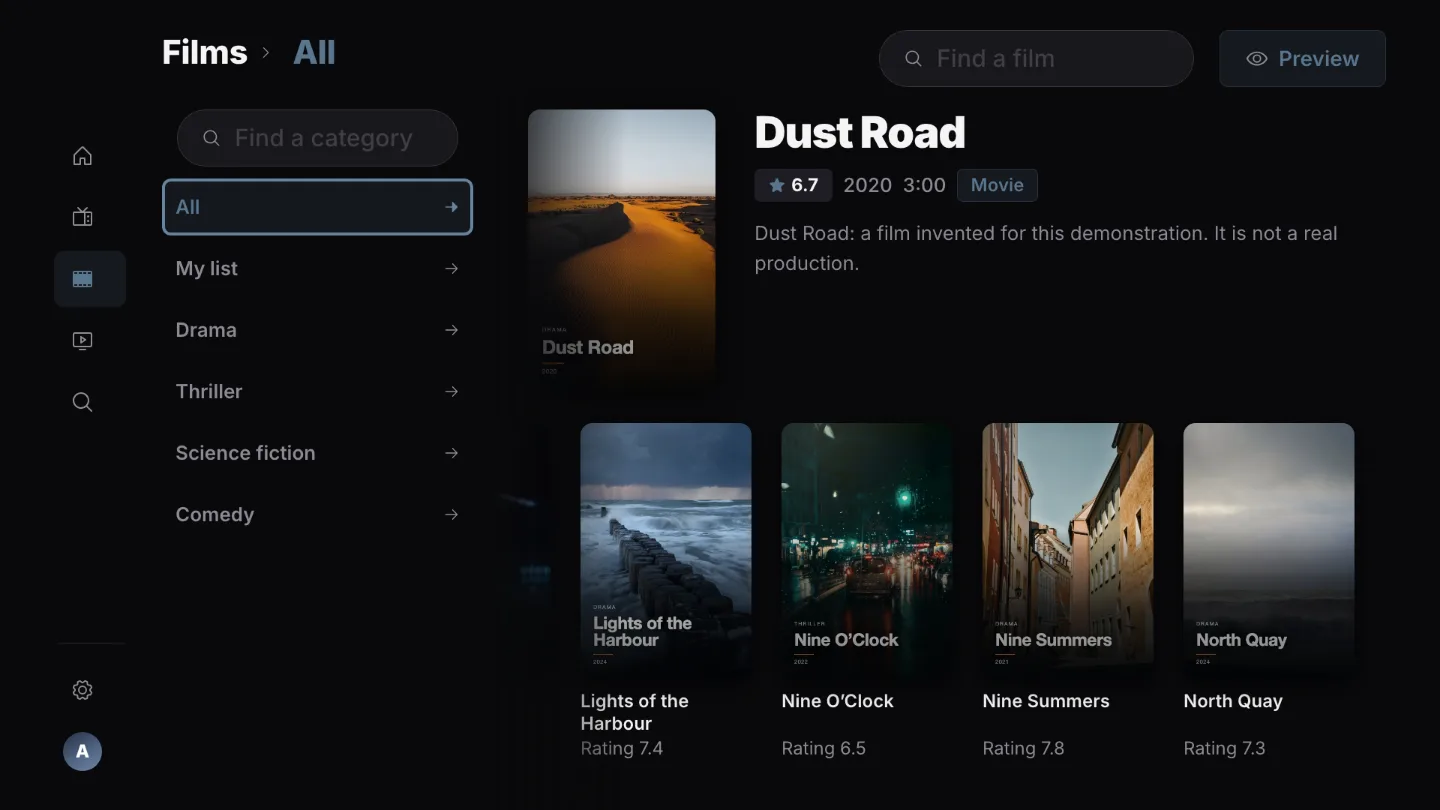
Browse films by their artwork.
Your provider’s categories down the side, hidden ones stay hidden.
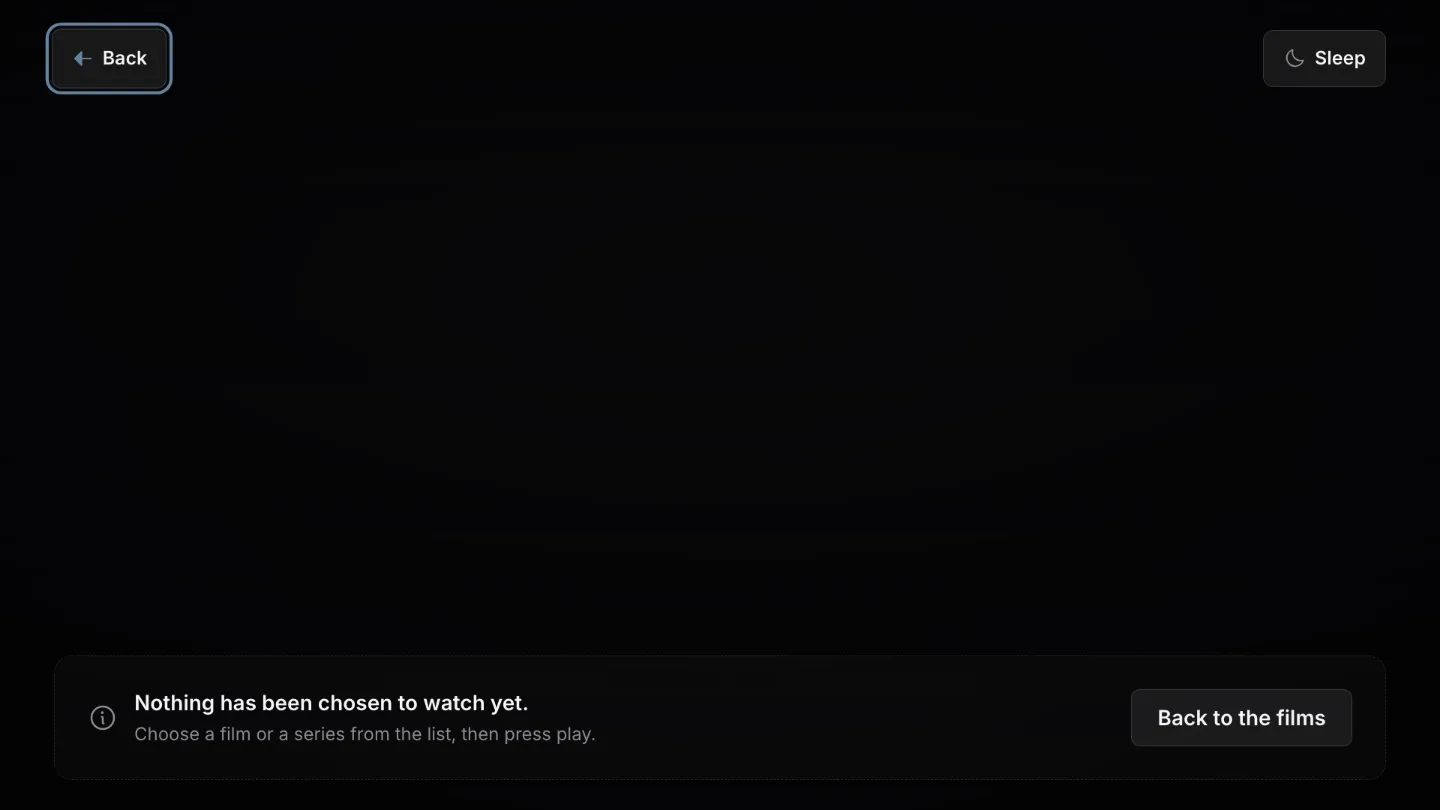
Control playback with your remote.
Choose audio and subtitles. Catch-up and rewind depend on the provider, stream and television.
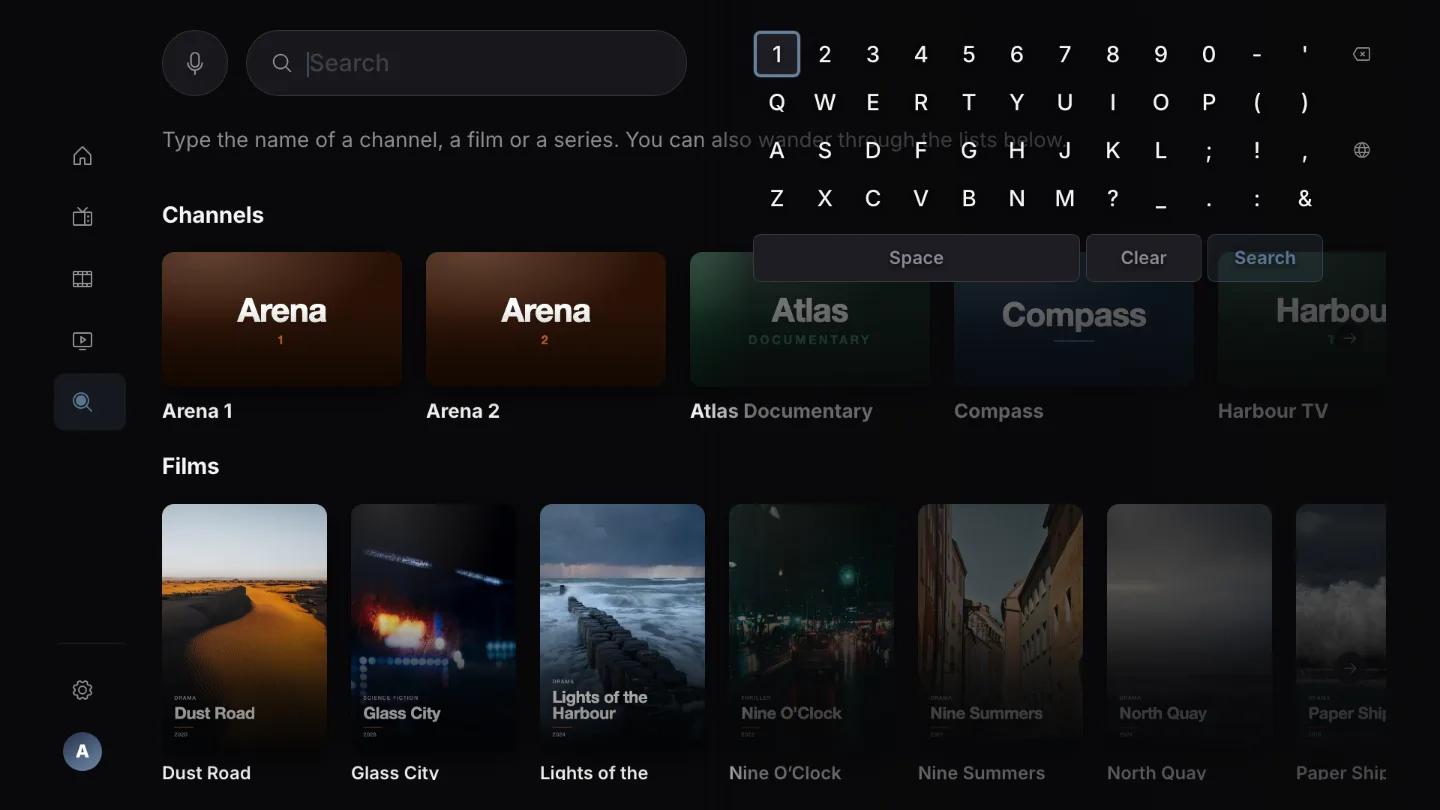
Search with the remote alone.
An on-screen keyboard beside the results, so the list narrows as you press.
Screenshots of the real app using a demonstration catalogue. The content shown is not included with Playova.